
Tunes up your AI agents.
Loads the right skill only when it's needed.
Free and open source · Works with Grok Bot today

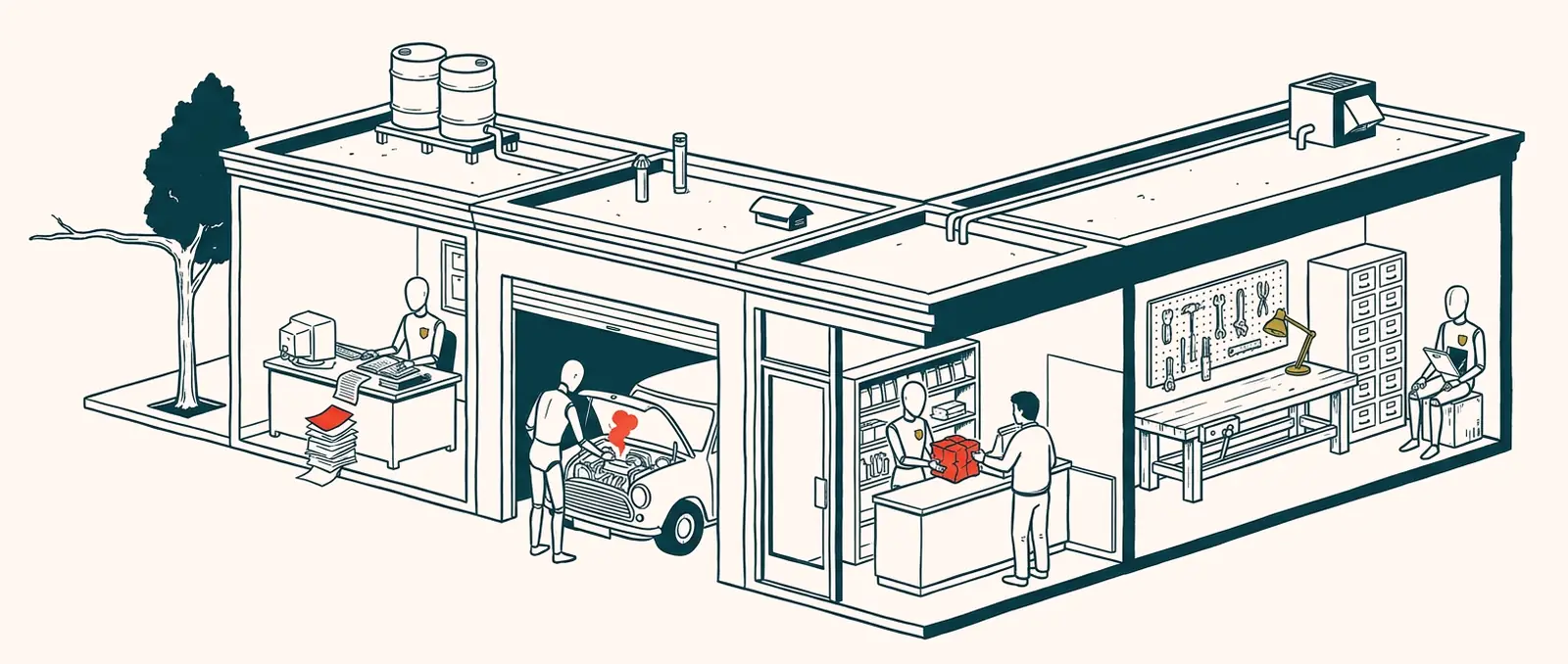
 Messy work
 "Done", but broken
 Wrong job
 Tune-Up's workshop
- Miss found
- Test written
- Small fix
- Your yes ✓
Your first win in 60 seconds.
Add it in Grok Bot
Open the Tune-Up template on x.ai and press Add. On its first chat it asks to install its plugin from GitHub. Say yes.
Open the template on x.aiOr tell any Grok bot:
Install the Tune-Up plugin from https://github.com/viaknox/tune-upPrefer the terminal? Install it yourself.
Type this
Write a short release note.Ask any agent with the plugin. You don't name the skill.
You should see
The agent picks the release-note skill on its own and writes a short note: what shipped, and what you do next. Nothing else loads.
Then say "set up Tune-Up" to meet the bot.
Using an AI assistant to set this up? Point it at agenttuneup.ai/llms.txt.
One skill at a time.
Short instructions. Lighter, cheaper chats.
Agent instructions
Every job pasted in → one line: "check the skill index".
---
name: release-note
description: Use when writing a short release note or changelog for a ship.
---
Write a short note: what shipped, what the user does next. Stop. Do not review slides or diffs.
Anatomy of a skill
- name and description: all your agent sees until the job comes up.
- The body loads only for that job.
- No match? It searches skill marketplaces and adds one only when you say add.
Grok Bot
Works today.
Other AI agents
Not yet. .
What it can and can't touch.
It can
- Review the agents you put in scope
- Write tests and suggest small fixes
- Add a skill to your local library, after your yes
It never
- Changes an agent's purpose
- Deletes or renames an agent without your yes
- Applies a change you haven't seen
- Sends, posts, spends or deletes for you
On the network
- Only when no local skill fits
- Searches public marketplace APIs and reads listings only
- Nothing is saved until you say add
- No tracking in the plugin
Code and text are MIT. Names, logos and the raven are not (brand license). Found a security issue? Report it privately.
Questions people ask
Which agents does it work with?
Grok Bot today. Ask Tune-Up to get a note when yours is supported. We don't promise dates.
Will it change my agents without asking?
No. It shows every change first and applies one only after your yes. It never changes an agent's purpose or deletes one.
Does it send my data anywhere?
The plugin has no tracking. It reaches the network only to search skill marketplaces when no local skill fits, and saves nothing until you say add.
Does it download whole marketplaces?
No. Marketplaces are only searched. Only a skill you choose to add is saved to your library.
Can I write my own skills?
Yes. A skill is a folder with a SKILL.md. Start from the three starter skills in the repo.
What does it cost?
Nothing. It's free and open source under the MIT license.
Ask Tune-Up.
Anything the FAQ missed. It answers from the Tune-Up docs, and can pass a message to the team.
Prefer GitHub? Open an issue.
